
See the whole picture
Lay out notes, documents, and media on an open canvas. Zoom out to see the relationships, then move closer to work on the details.
Keep notes, images, documents, and code together. Use AI to draft and summarize text with the context you provide, then review it beside your references on the canvas.
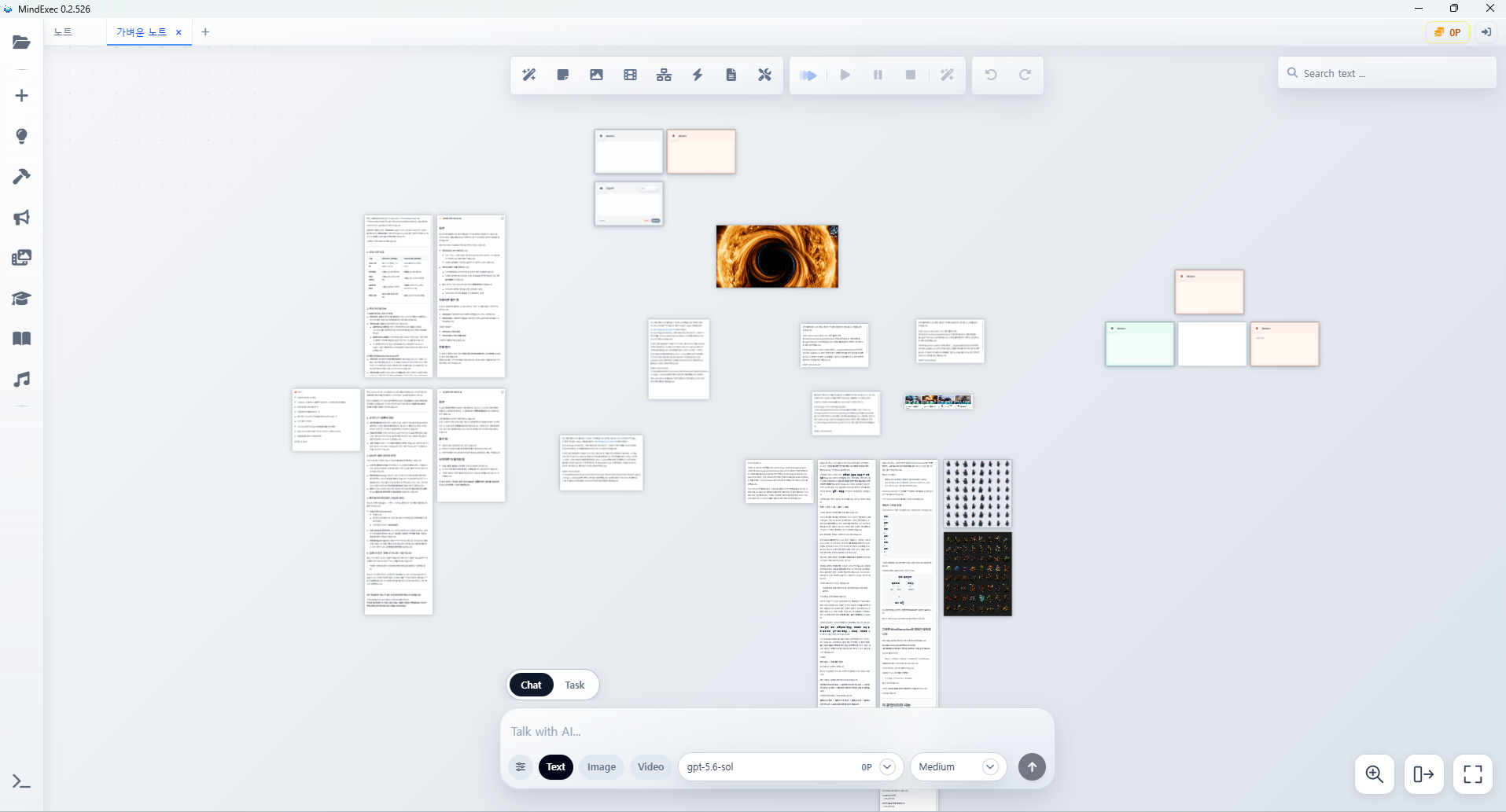
Keep your source material beside the notes and ideas it belongs to.
Lay out notes, documents, and media on an open canvas. Zoom out to see the relationships, then move closer to work on the details.
Use your Codex login to draft and summarize text from connected reference nodes. Review and edit its output beside your notes. Broader AI task workflows are still in development.
Use the desktop app with a local project folder. Keep your boards and assets together, and return to the notes and references you saved.
Drop in an image, paste a note, or bring in a document. Keep the references for a project on the same board.
Arrange related ideas and link your nodes. Keep a reference beside the note it helps explain.
Zoom in to read and edit your notes. Save your board and return to its layout and references in your next session.
Get the desktop app to organize your notes and references. Choose the version for your computer.
Open the DMG and drag MindExec into Applications. This preview has not yet been notarized by Apple. If macOS blocks the first launch, follow Apple's instructions to review the app in System Settings → Privacy & Security.
Intel Macs are not supported by this download. Mac updates currently require downloading the new version.
File checksum (SHA-256)